Find the IPC's network address
This guide shows you how to find the IP address of an IPC. This can be required for changing configuration without access to the cloud.
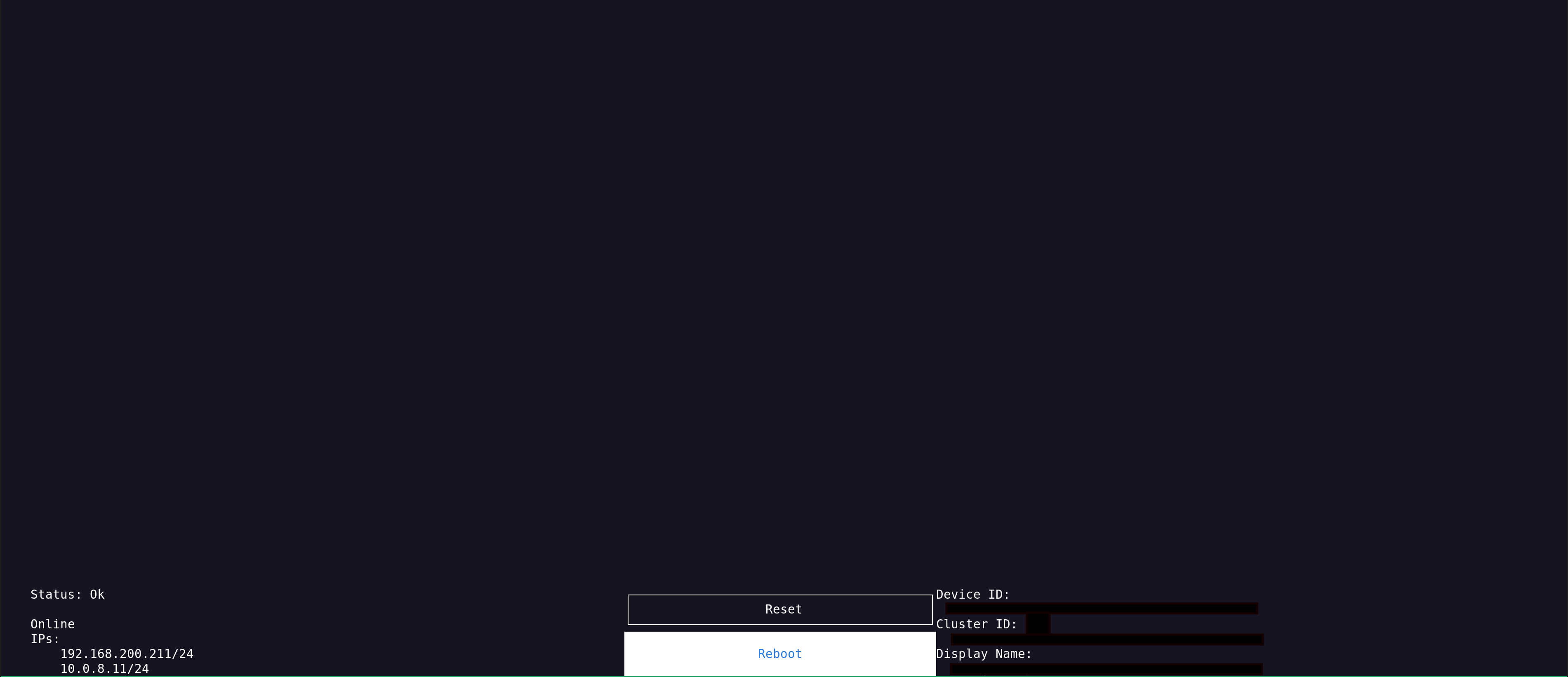
The IP addresses assigned to the IPC will appear in the bottom left corner of the connected monitor.
In this example screenshot it is 192.168.208.211/24 and 10.8.8.11/24 which are the IP Addresses of 192.168.208.211 and 10.8.8.11 respective.