Create cameras
To create a new camera, open the Create new Camera wizard:
-
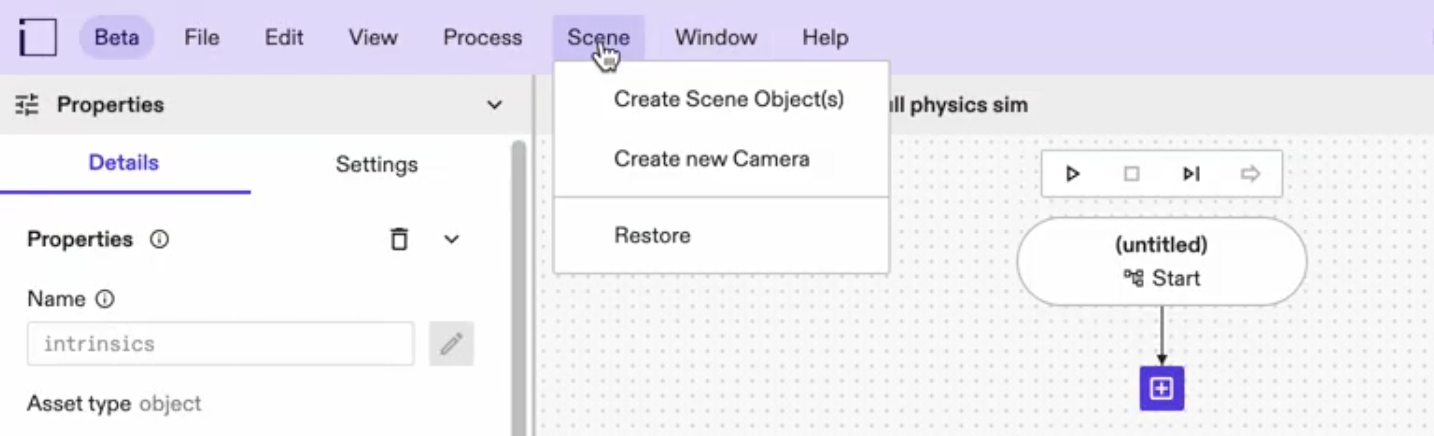
Go to Scene > Create new Hardware Device > Camera in the top menu
-
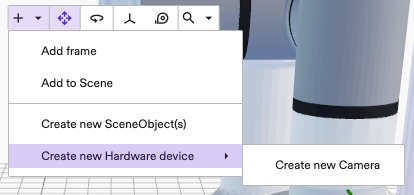
OR click the + button in the toolbar of the scene editor's toolbar and select Create new Hardware Device > Camera from the dropdown .
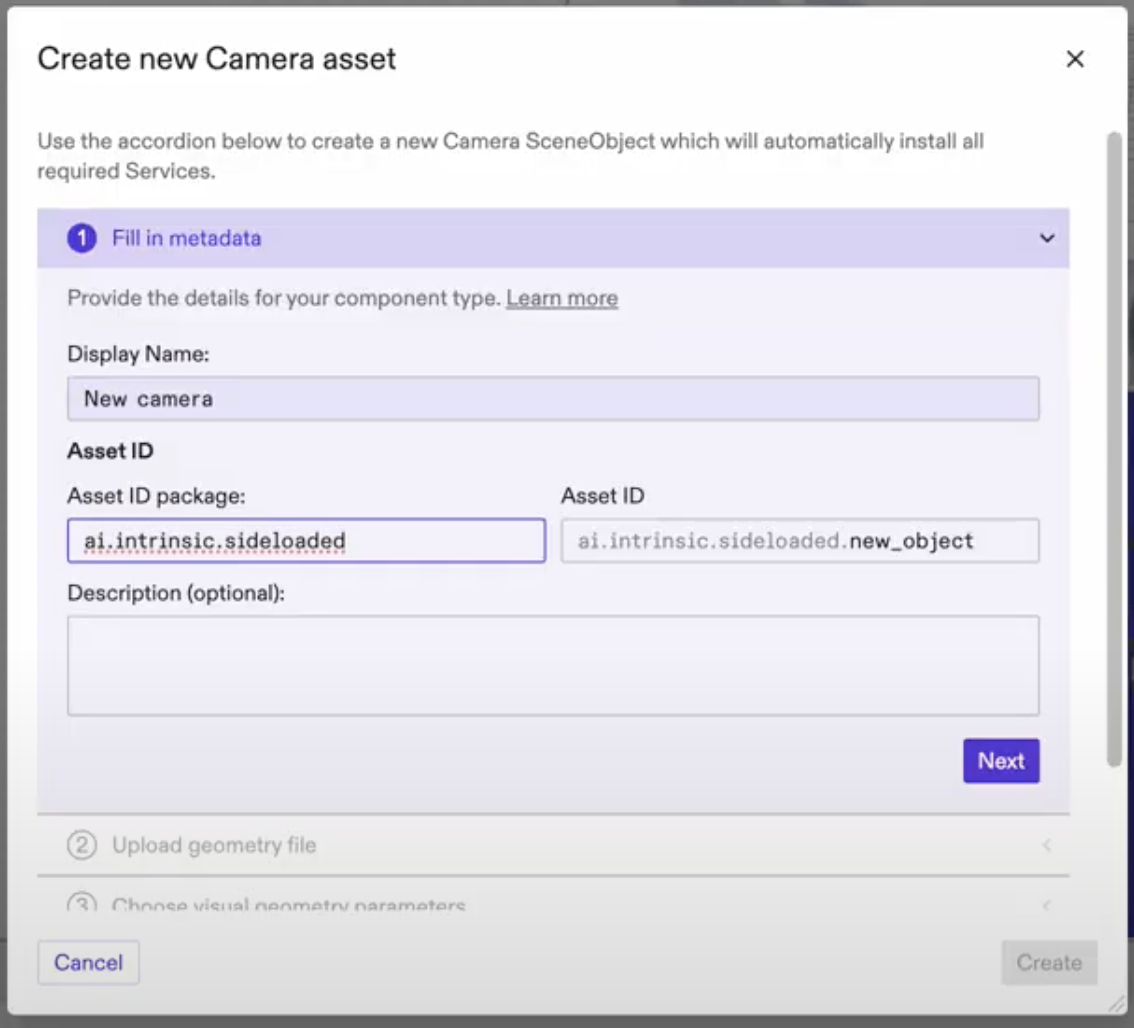
Follow the creation dialog instructions to introduce a new camera type. For more information about how to build a camera SDF template see our SDF guide
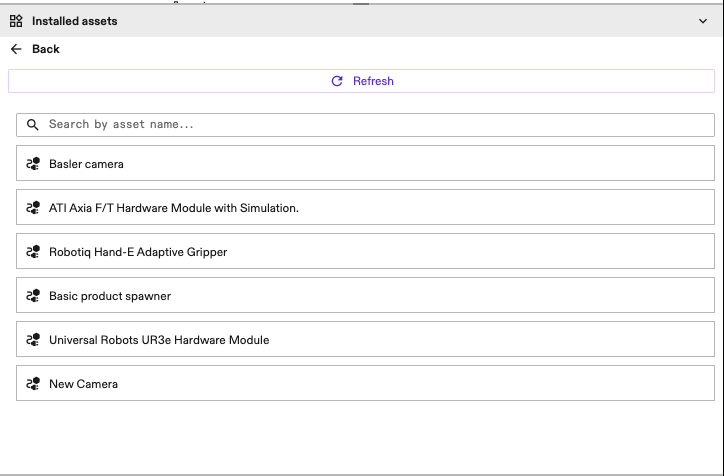
Once the creation is complete, you should see the new camera type appear in the Installed assets panel on the right side below the Scene tree panel. If you have selected to also create a new instance of the Asset, it will appear in the Scene as well as the tree.
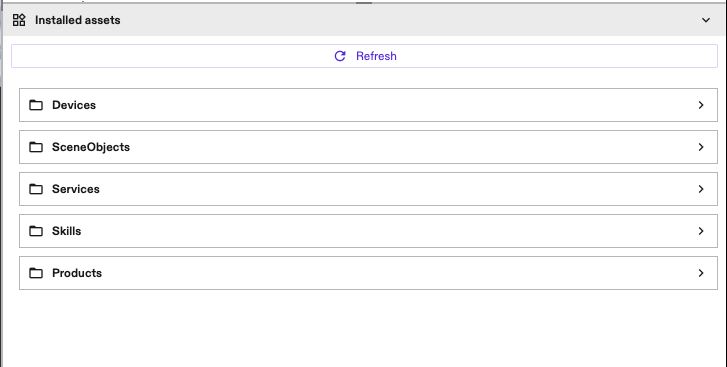
All created HardwareDevices will appear in the HardwareDevices folder. You can search by the particular Asset name within the folder and Refresh the list as needed.