Flowstate
Flowstate is a web-based platform designed for building robotic solutions seamlessly, from concept to deployment. The platform combines both workcell design and process authoring to simplify solution design. The integrated Flowstate Solution Editor lets you alternate between workcell layout and process creation with a single interface. This smooth transition between workflows enhances efficiency.
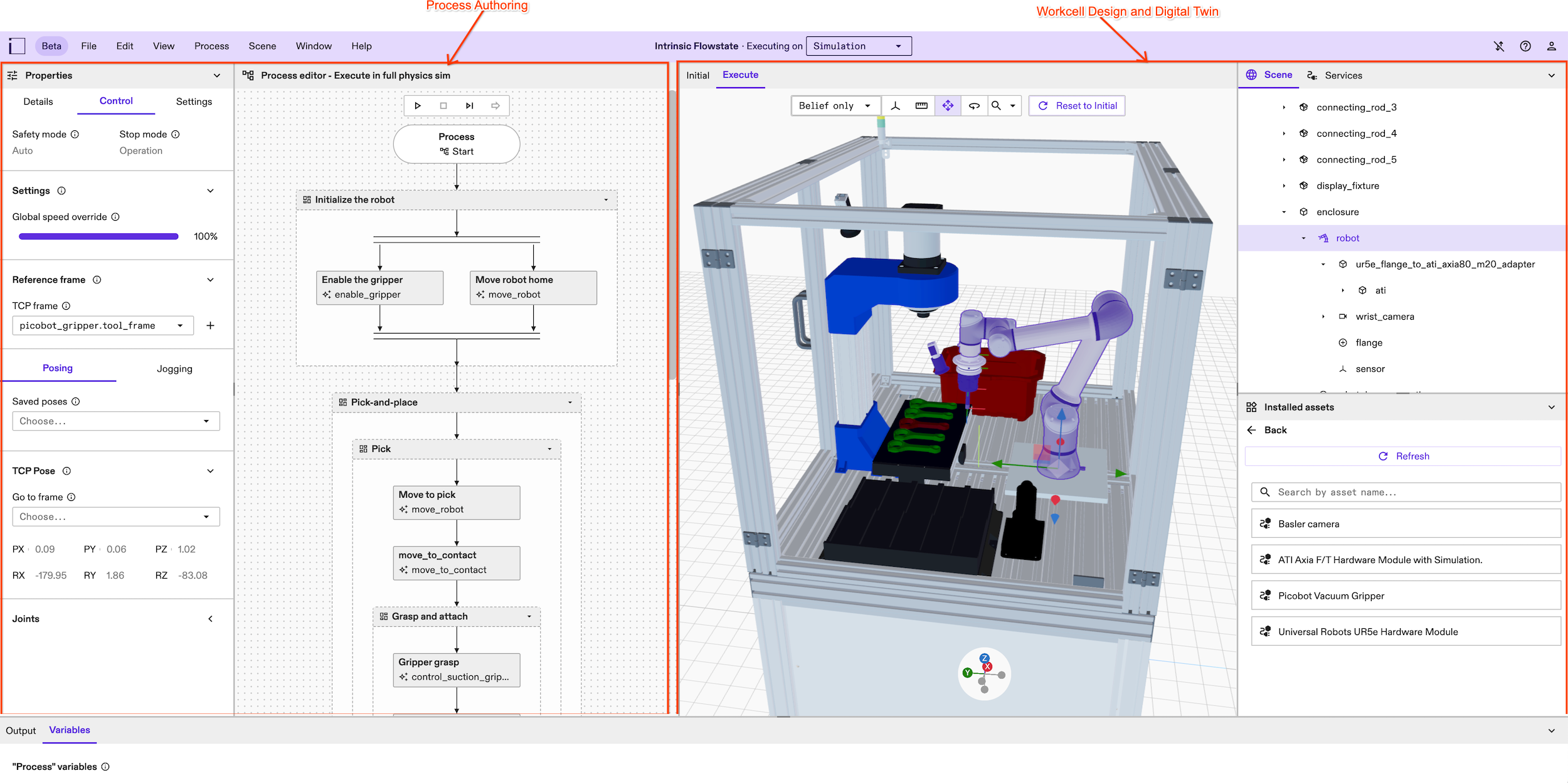
Within the Flowstate environment, you can construct a workcell and author processes using reusable skills. The platform offers step-by-step simulations for thorough testing and enables straightforward deployment to physical hardware.
Effortless hardware configuration
Intrinsic Flowstate offers a range of tools and features to optimize the hardware configuration of your solution. You can start building solutions by selecting a saved example or building a new workcell from scratch using the Flowstate Scene Editor. You can also upload static geometries, or a complete scene of objects from the Scene Editor.
Components like robots can be added from the resource catalog, or new components can be introduced and onboarded if not available in the catalog.
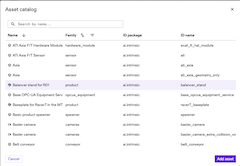
The range of in-built features available in the Flowstate Editor makes incorporating sensors such as cameras and calibrating their positions within the workcell a straightforward task.
Visual process design
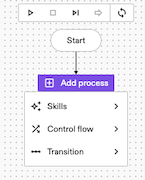
Programming robotics applications can be approached in many ways. Flowstate adopts behavior trees (BTs) for sequencing complex behavior flows, expediting application development. The Flowstate Process Editor provides a graphical representation inspired by flow charts to author your BTs, eliminating the need for extensive programming knowledge.
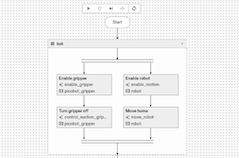
After the process flow is finalized, simulation testing can be conducted.
Streamlined deployment process
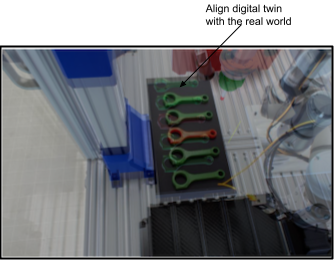
After you're satisfied with your solution's performance in simulation, you can seamlessly transition your workcell settings to real hardware. This allows you for fine-tuning parameters and aligning your 3D scene with physical hardware setup.
What's next
See the following guides to learn how to: