Stop a Solution
To free up resources, you can "stop" a Solution that's executing. This action returns the computing resources currently being used to execute the Solution, whether that's a VM in the cloud or an IPC in a workcell.
To stop a Solution:
- Locate the running Solution you want to stop in the Solutions table in the Portal.
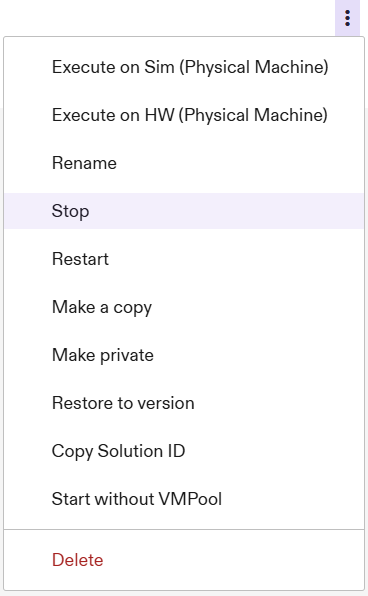
- Click the three-dot menu to the right of the Solution and select "Stop".
- A confirmation toast will appear if your Solution was successfully stopped.
The computing resources (VM or IPC) can now be used to execute a different Solution.