Add skills
To begin with a clean canvas, select New process from the Process menu:
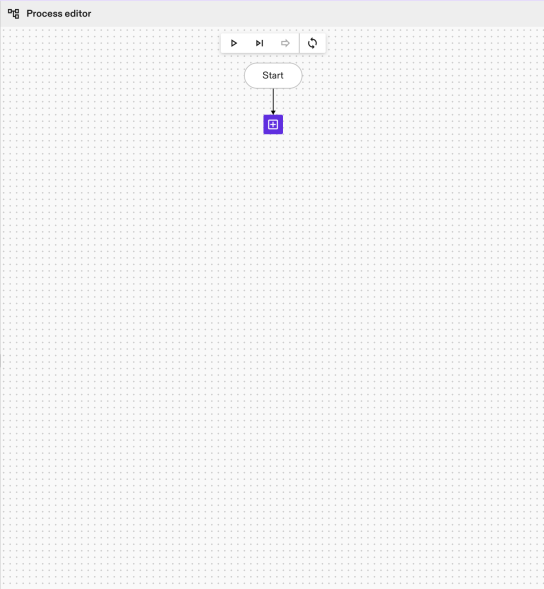
To add a new node, click the purple + Add process button. This will open the menu with the various node types.
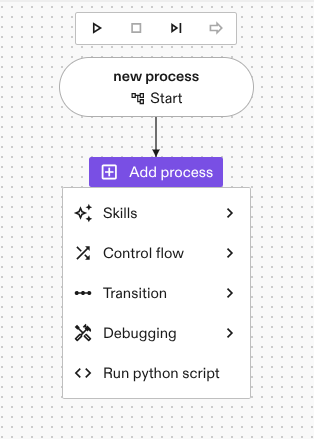
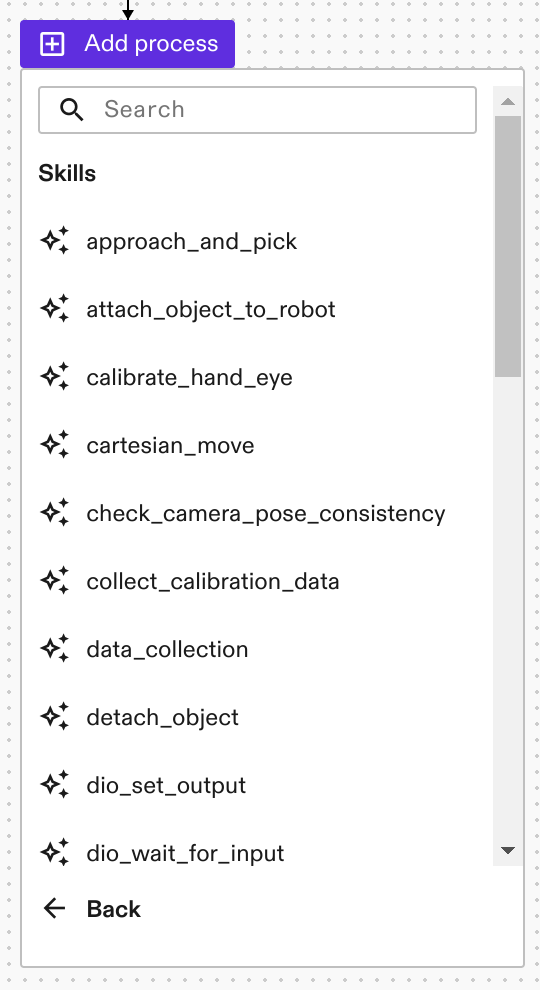
Selecting skills shows you a list of all installed skills and skills available to install from the catalogs:
The other categories allow you to add control structures that influence execution (e.g. loops, retries, parallels, etc.) as well as debugging nodes (e.g. breakpoints).
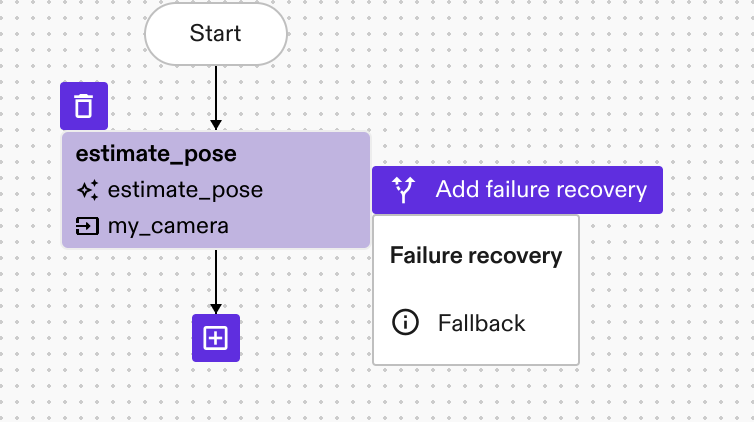
In order to add error handling to an existing node, select that node and you will see an additional menu pop up on the right side of the skill. You can add error handling to individual task nodes as well as complex control flow nodes.
Once you have added a skill to the process you can change its version by going to the Properties panel on the left hand side. In the Version field you can see the current skill version.
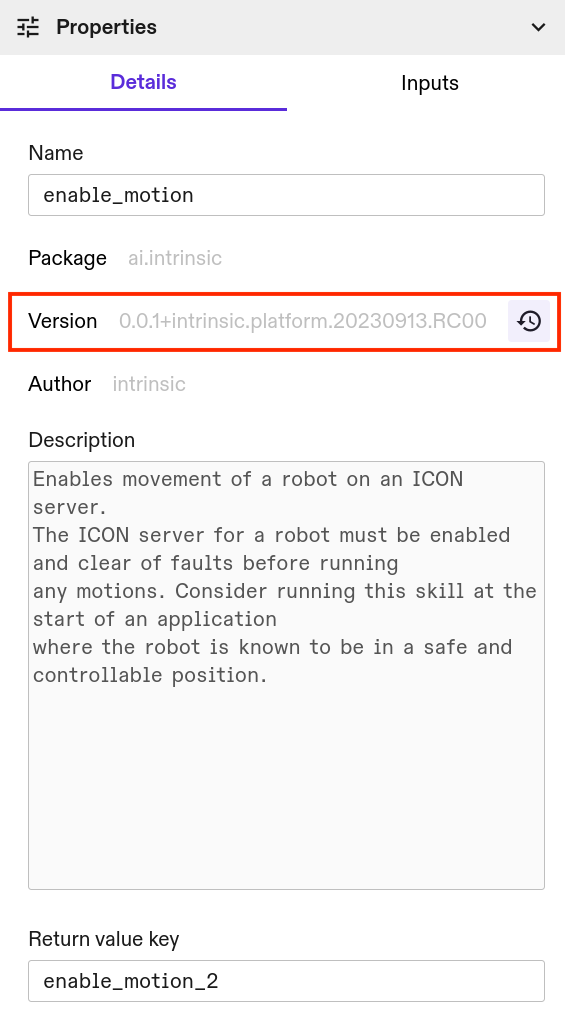
You can then update the skill version by clicking on the Manage versions button ( ) and selecting a new version of the selected skill.
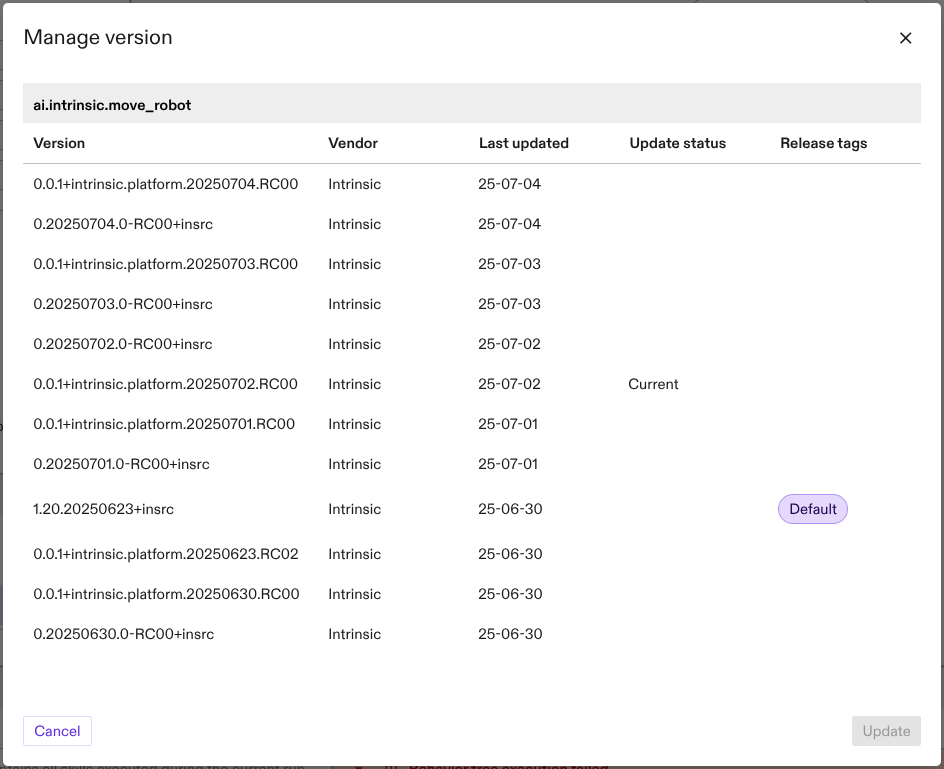
Available skills
For a list of available skills in Flowstate, see the skills section of the Intrinsic Assets catalog reference section.