Add a service
Services are software assets that can be used by (multiple) skills or to control hardware within a solution. This section describes how to add a service to a solution.
Import from catalog
Adding from the Service Catalog is a simple way to populate your digital workcell with services. To add from the service catalog,
-
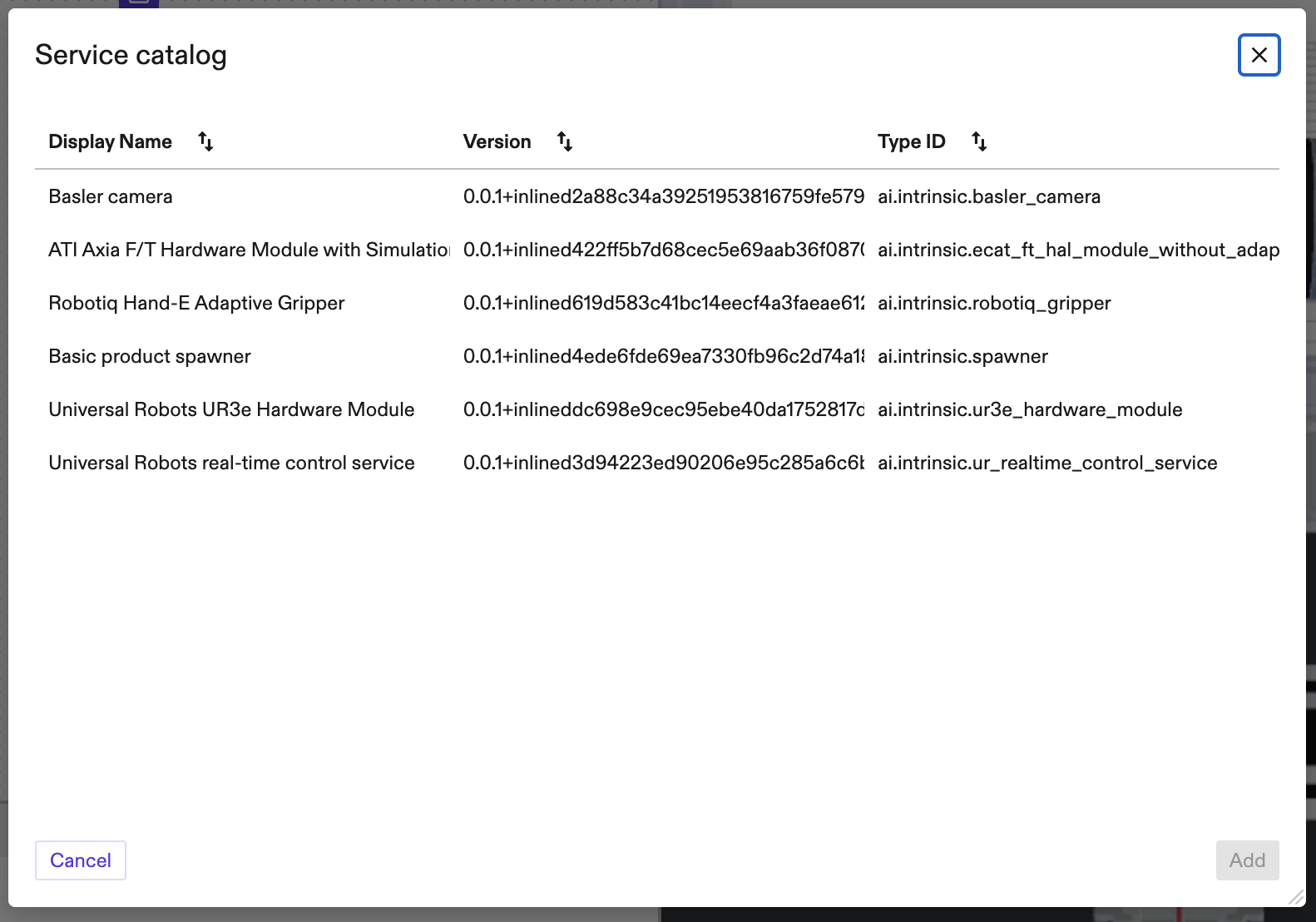
navigate to the Services tab in the right sidebar and click Add service. That will open a dialog to select from a list of available service assets.
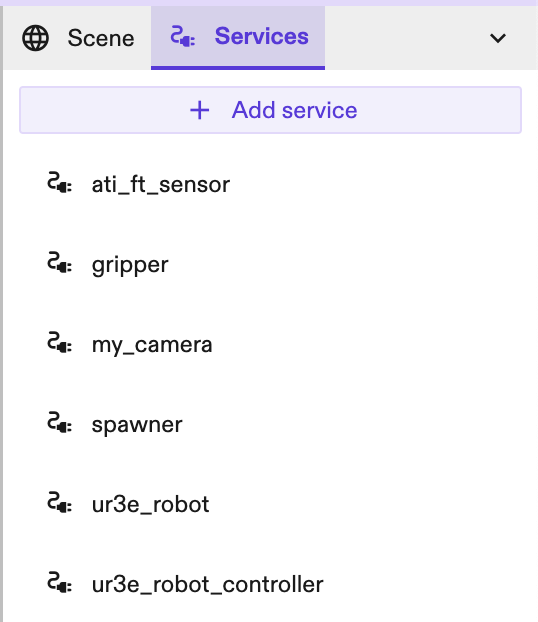
-
select a service from the available installed service assets in the list and give it a unique name. You may also provide an optional service configuration for your service. If no configuration is provided a default one will be used.
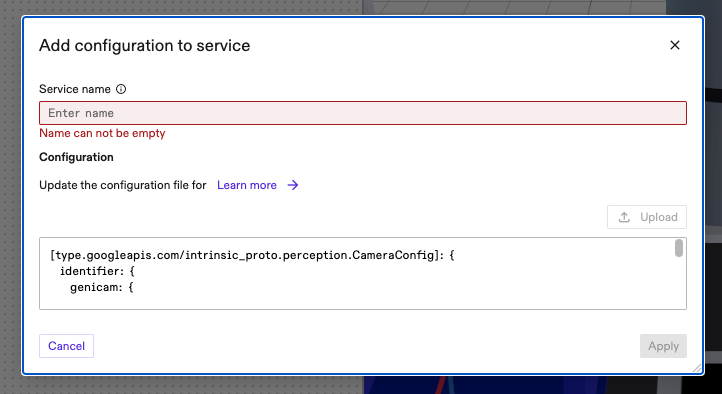
-
click Apply --- the service will be automatically started and be available in the current solution.
Configure services
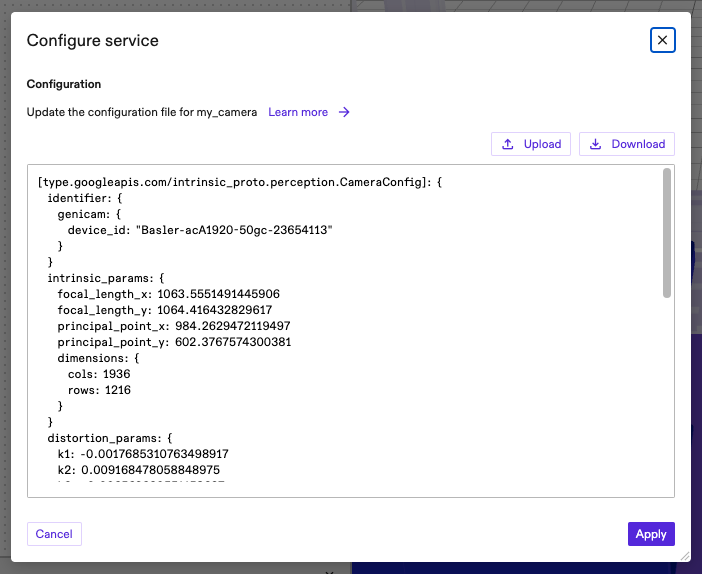
To access the service configuration, select a service asset under the Services tab on the right sidebar and navigate to the Settings tab in the Properties panel on the left sidebar. Clicking the Manage configuration button will open a Configure service dialog where you can see and edit the service configuration file directly in place.