Measure distances
tip
Changing the projection to orthographic eliminates distortion and often allows for easier measurement.
Flowstate's measurement tool lets you to measure distances between arbitrary locations within the workcell.
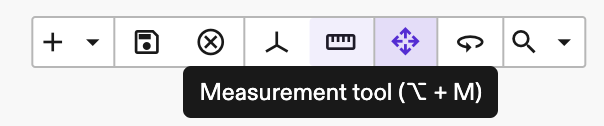
- Click the measurement mode button in the application toolbar to enable the measurement tool and enter measurement mode. While measurement mode is active, you can click different locations in the scene to display the corresponding distance in meters.
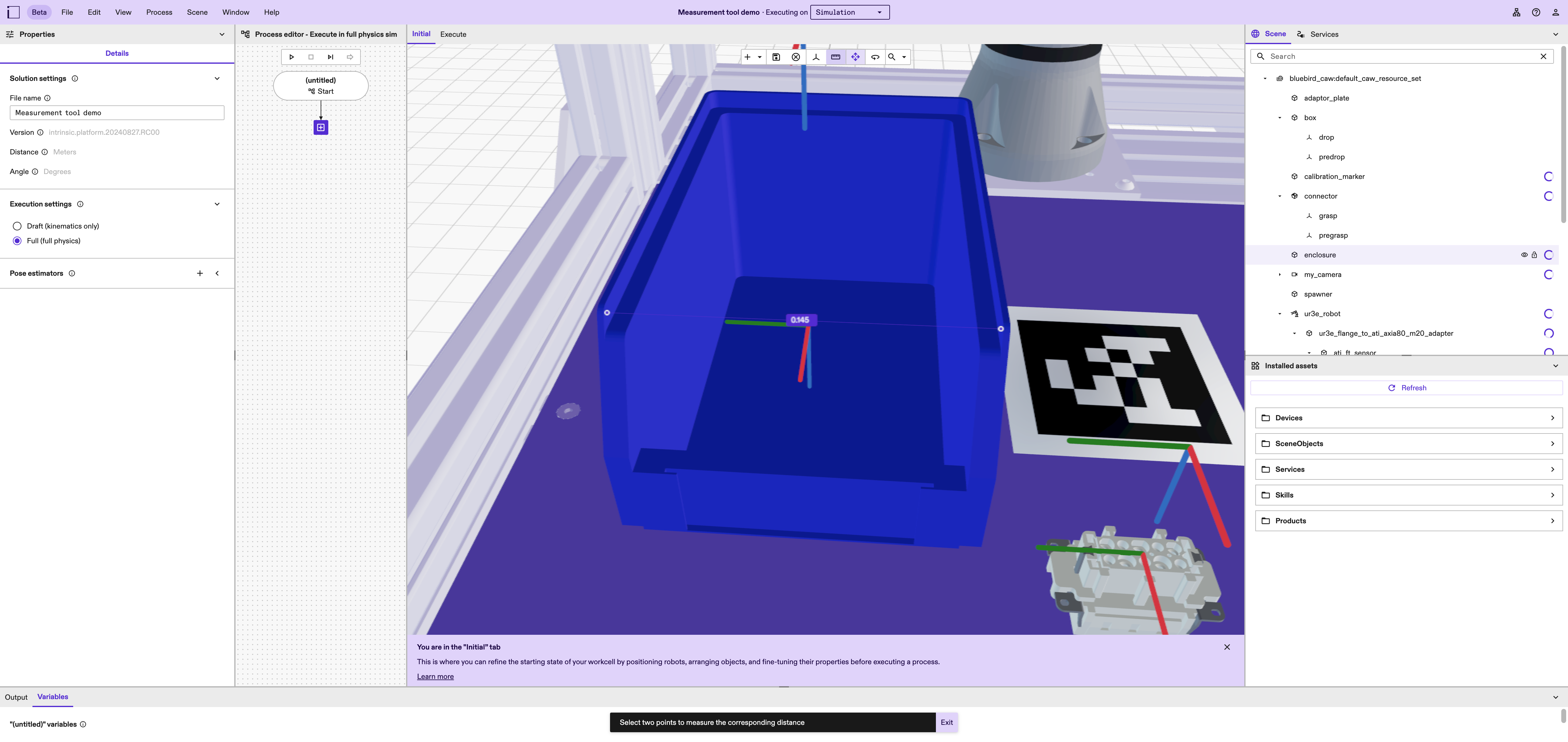
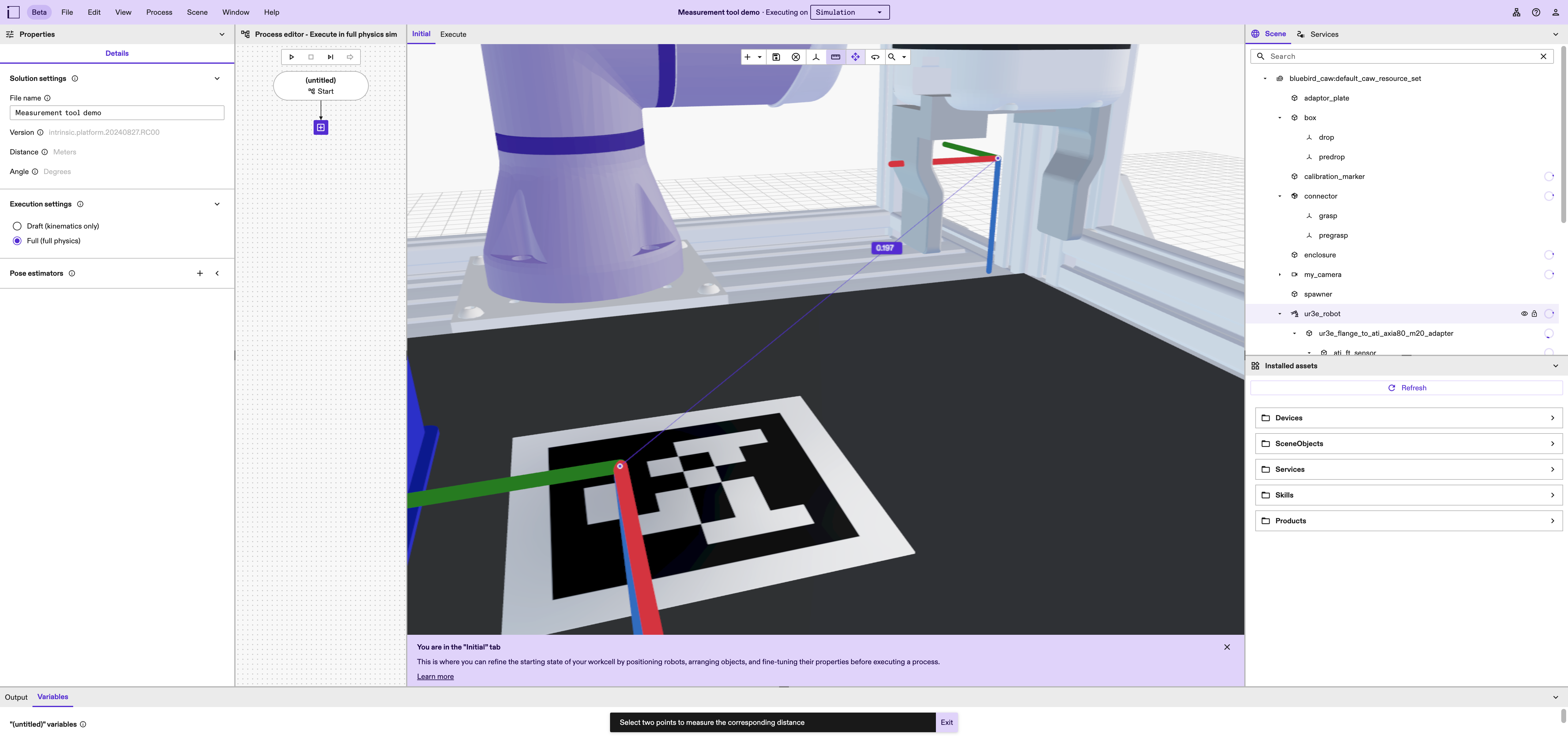
- The clicked location is automatically conformed to the surface closest to the camera, making it possible to measure an object's internal dimensions, as well as distances between surfaces, frames or objects.
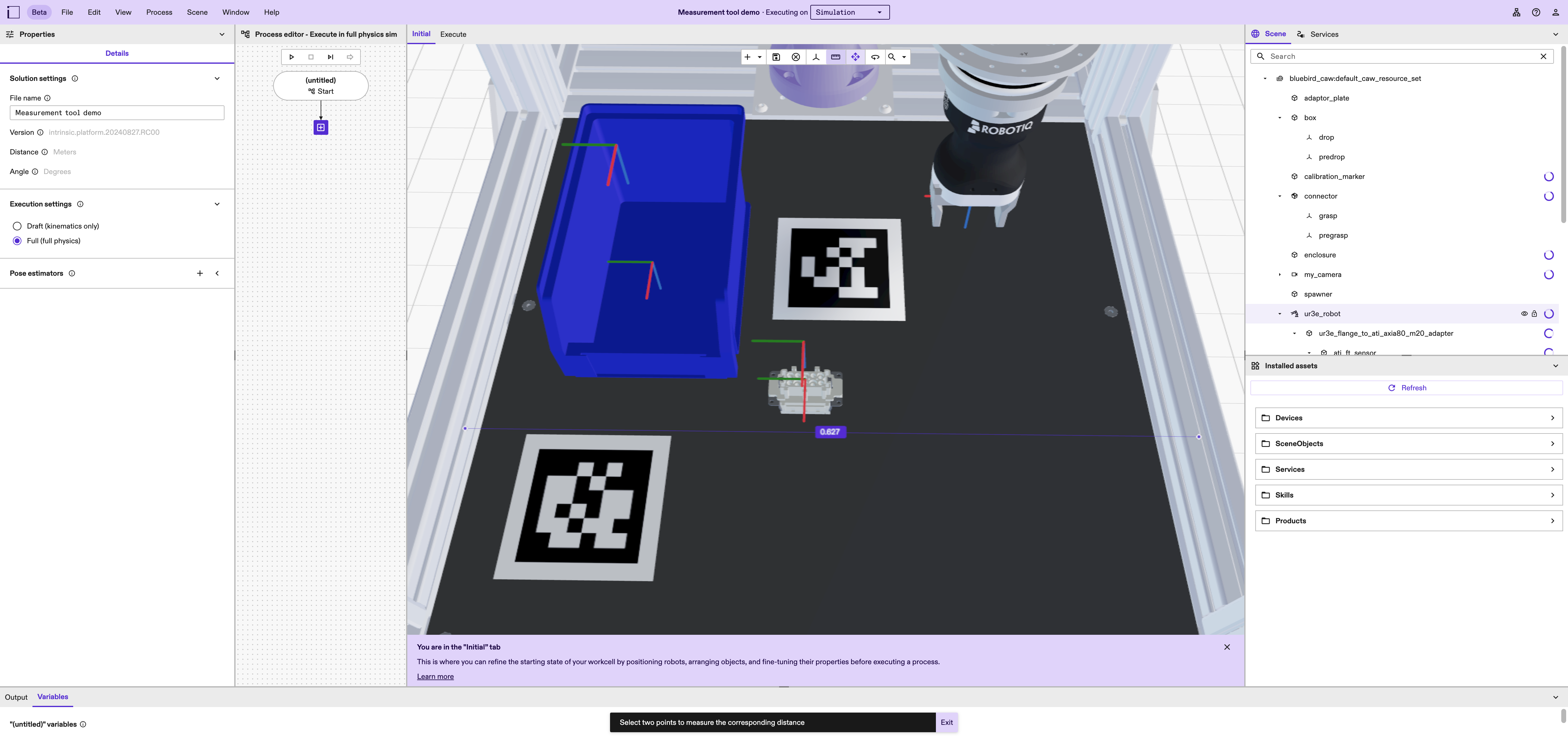
- To measure distances to workcell edges or walls, hold the Shift key modifier to snap the measuring line to either X or Y world axis.
- Click Exit on the toast notification or press the Escape key to dismiss measurement mode.